Hot New Products Classroom Voting System - Flow!Works pro – Qomo
Hot New Products Classroom Voting System - Flow!Works pro – Qomo Detail:
Contain three parts in main interface
Menu interface for file opening,saving and file printing. Easily import Powerpoint to make a presentation interacting with the software,etc.
Toolbar interface for different tools using. You can change pen color to annotate on the lesson plan. Select tools to move the annotation and use the eraser to erase them. Easily move the toolbar to any horizontal or vertical edge of interface. You can move the toolbar on the top edge so that naughty kids can’t reach it.
Slide management for PPT presentation. Turn on your PPT. Add or decrease a page at your best convenience.


Pen tools
Make selections based on a range of pen tools. Choose from a variety of images for your personalized pen with texture pen tool; Use a highlighter pen or a laser pen to call attention to the details.
Highlight of FLow! Works pro software
Highlights of the software is as below

The Flow! Works pro software has thousands of teaching resources. Meanwhile, you can add your own resource like image/audio/video in the software and save them as personal resource.
Richful tools in the education software and you can customize the toolbar as well.These tools allow teachers to enrich a vivid lessons for teaching.


Software built in browser
Flow!Works Pro offers built-in web browser.
Objects on the website can be inserted onto the drawing board for presentation use. During searching the website, you
can select the desired object (images or text) and drag it onto the drawing board. This do a great help for students to know about the lessons easily.
Use as a document camera
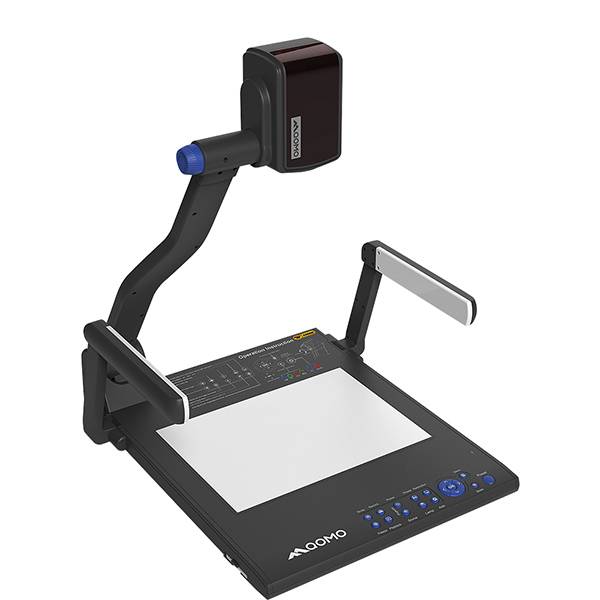
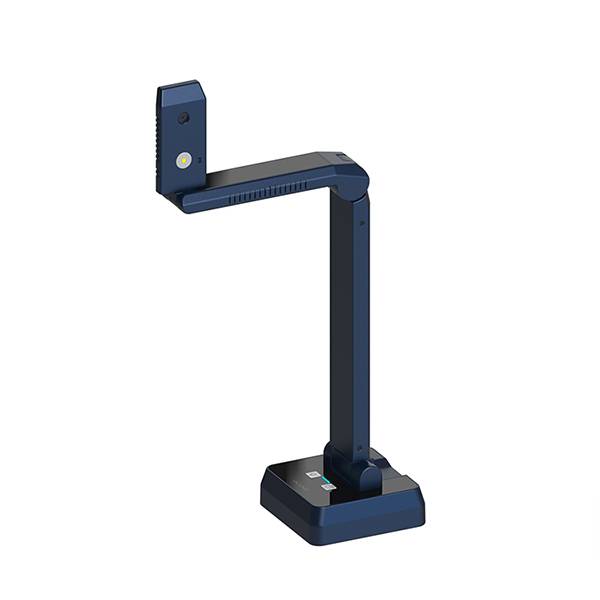
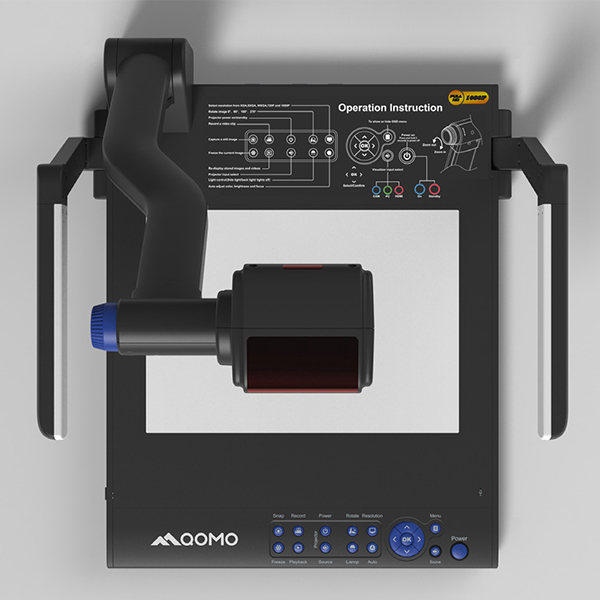
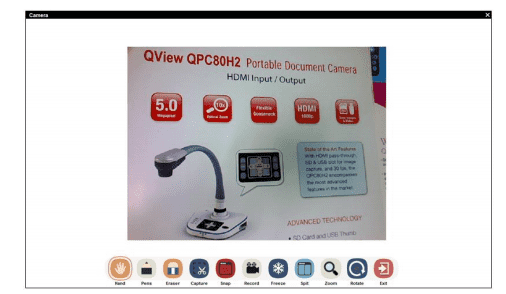
Flow!Works Pro enables you to connect the external camera to show the vivid image and annotate over live image.
Product detail pictures:
Related Product Guide:
Sticking towards the principle of "Super High-quality, Satisfactory service" ,We've been striving to become a superb business partner of you for Hot New Products Classroom Voting System - Flow!Works pro – Qomo , The product will supply to all over the world, such as: Albania, Germany, Johor, Our company has always insisted on the business principle of "Quality, Honest, and Customer First" by which we have won the trust of clients both from at home and abroad. If you are interested in our solutions, you should do not hesitate to contact us for further information.
 By Ada from Poland - 2018.02.12 14:52
We always believe that the details decides the company's product quality, in this respect, the company conform our requirements and the goods are meet our expectations.
By Page from Pakistan - 2018.06.28 19:27