Manufacturer for Classroom Clickers - Flow!Works pro – Qomo
Manufacturer for Classroom Clickers - Flow!Works pro – Qomo Detail:
Contain three parts in main interface
Menu interface for file opening,saving and file printing. Easily import Powerpoint to make a presentation interacting with the software,etc.
Toolbar interface for different tools using. You can change pen color to annotate on the lesson plan. Select tools to move the annotation and use the eraser to erase them. Easily move the toolbar to any horizontal or vertical edge of interface. You can move the toolbar on the top edge so that naughty kids can’t reach it.
Slide management for PPT presentation. Turn on your PPT. Add or decrease a page at your best convenience.


Pen tools
Make selections based on a range of pen tools. Choose from a variety of images for your personalized pen with texture pen tool; Use a highlighter pen or a laser pen to call attention to the details.
Highlight of FLow! Works pro software
Highlights of the software is as below

The Flow! Works pro software has thousands of teaching resources. Meanwhile, you can add your own resource like image/audio/video in the software and save them as personal resource.
Richful tools in the education software and you can customize the toolbar as well.These tools allow teachers to enrich a vivid lessons for teaching.


Software built in browser
Flow!Works Pro offers built-in web browser.
Objects on the website can be inserted onto the drawing board for presentation use. During searching the website, you
can select the desired object (images or text) and drag it onto the drawing board. This do a great help for students to know about the lessons easily.
Use as a document camera
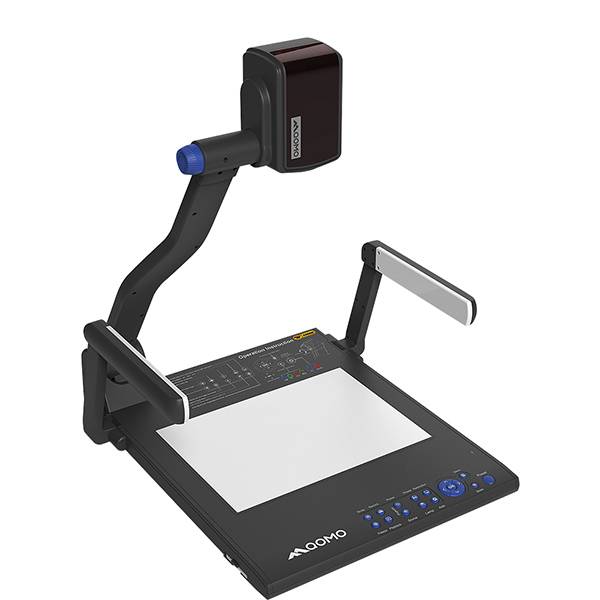
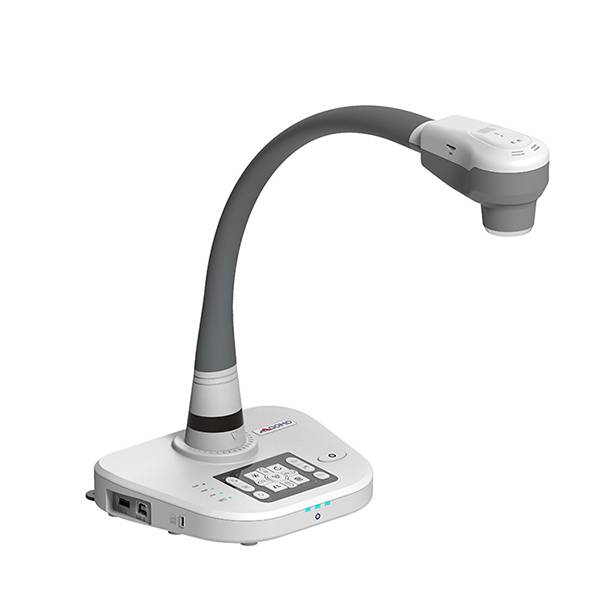
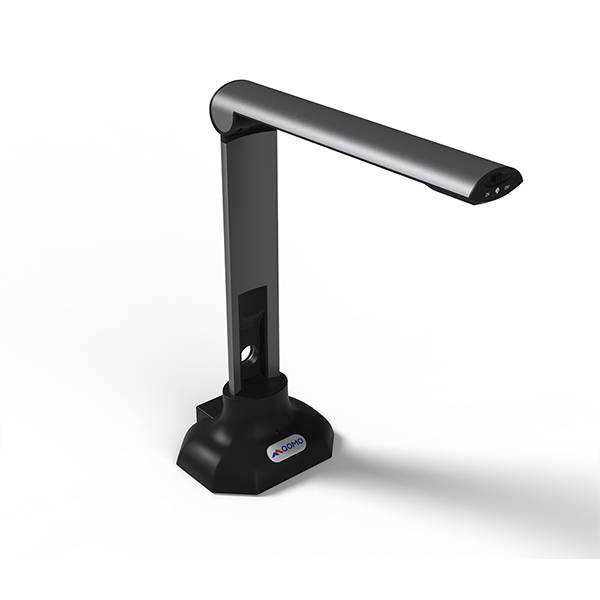
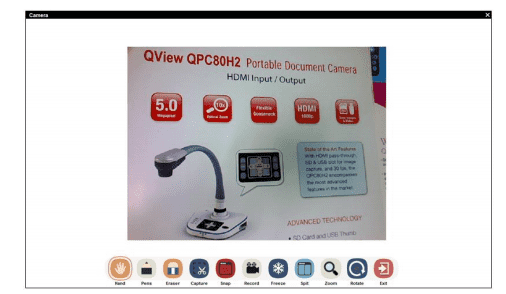
Flow!Works Pro enables you to connect the external camera to show the vivid image and annotate over live image.
Product detail pictures:
Related Product Guide:
To be able to ideal satisfy client's requirements, all of our operations are strictly performed in line with our motto "High High-quality, Competitive Price tag, Fast Service" for Manufacturer for Classroom Clickers - Flow!Works pro – Qomo , The product will supply to all over the world, such as: Lisbon, Philippines, Russia, Our company regards "reasonable prices, high quality,efficient production time and good after-sales service" as our tenet. We hope to cooperate with more customers for mutual development and benefits in future. Welcome to contact us.
 By olivier musset from Lesotho - 2018.07.27 12:26
The factory technical staff gave us a lot of good advice in the cooperation process, this is very good, we are very grateful.
By Agustin from Serbia - 2018.09.16 11:31